


Secure, Smart Digital Solutions for Life and Business
Take control of your daily finances with digital banking features build for flexibility and peace of mind. Whether you are setting custom account alerts on your phone, managing debit cards, or utilizing streamlined treasury management tools such as ACH and Positive Pay, we make it simple to securely handle your business banking wherever your day take you.
.png)
Online Banking
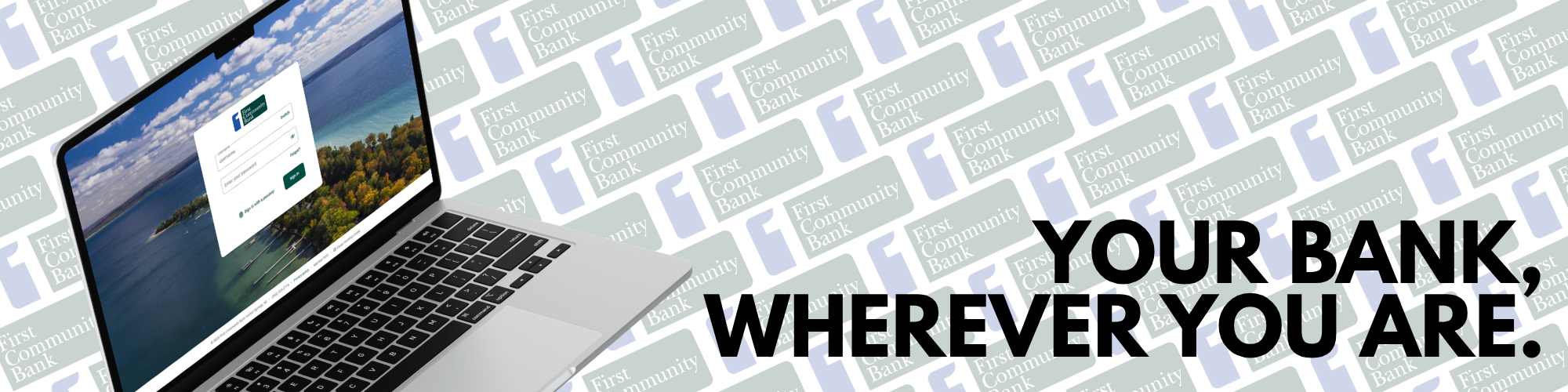
Access your account and manage your Digital Banking services anywhere at any time using FCB’s secure and trusted online banking website.
Mobile App
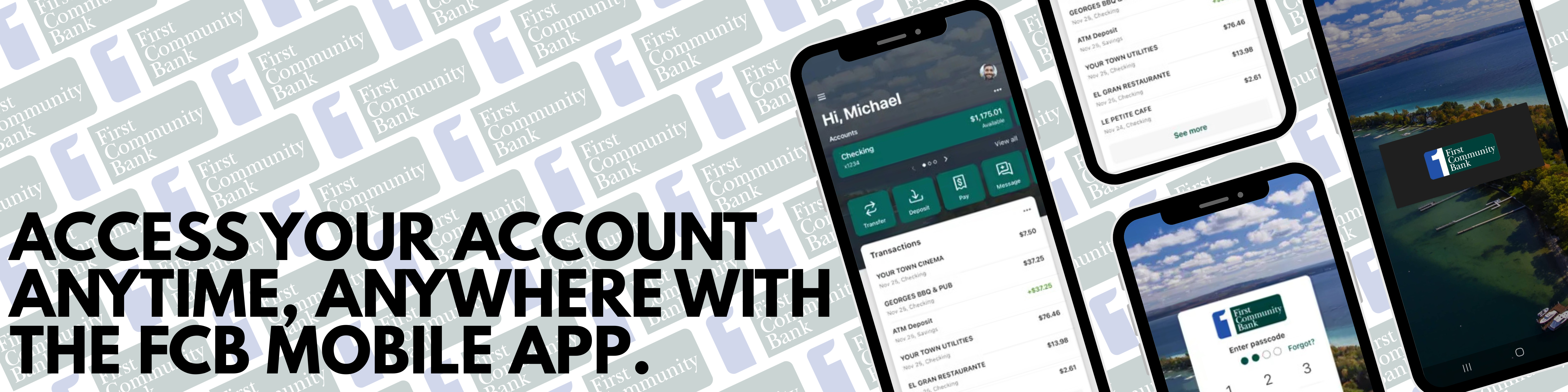
Quickly and easily enjoy all the perks of FCB’s online banking website plus even MORE with FCB’s mobile banking app.
Mobile Check Deposits
Enroll in Mobile Deposit to securely and remotely deposit checks directly into your account from anywhere using FCB’s mobile banking app.
Stop Payments
Prevent check fraud by placing Stop Payments on checks through Online Banking and the Mobile App.
Bill Pay
Securely and directly pay vendors, utilities, and individuals via Business Bill Pay, which is integrated into online banking
Check Management with
Positive Pay
Positive Pay reduces the risk of check fraud by verifying presented checks against the information you provide.
ACH (Automated Clearing House)
ACH reduces the time you spend handling documents, saves money on printing, reduces costs, and reduces invoice processing.
Remote Deposit Capture (RDC)
RDC gives customers the ability to securely deposit checks from their office location using a bank-provided check scanner.
Debit Card Management
Leverage Card Management options through Online Banking and the Mobile App to set alerts and usage protections, report your debit card lost or stolen, and reorder a new debit card.
Alert Preferences
Leverage Alert Preferences via Online Banking or the Mobile App to establish balance and transaction alerts for your FCB account. These alerts can be received via email, SMS text, and/or in-app message.
Support
Request assistance via the online banking website or mobile app by sending a message to the Digital Banking Department, calling the Customer Support line, and/or locating the branch nearest to you.
.png)